
What it does
Stores, people and the control room
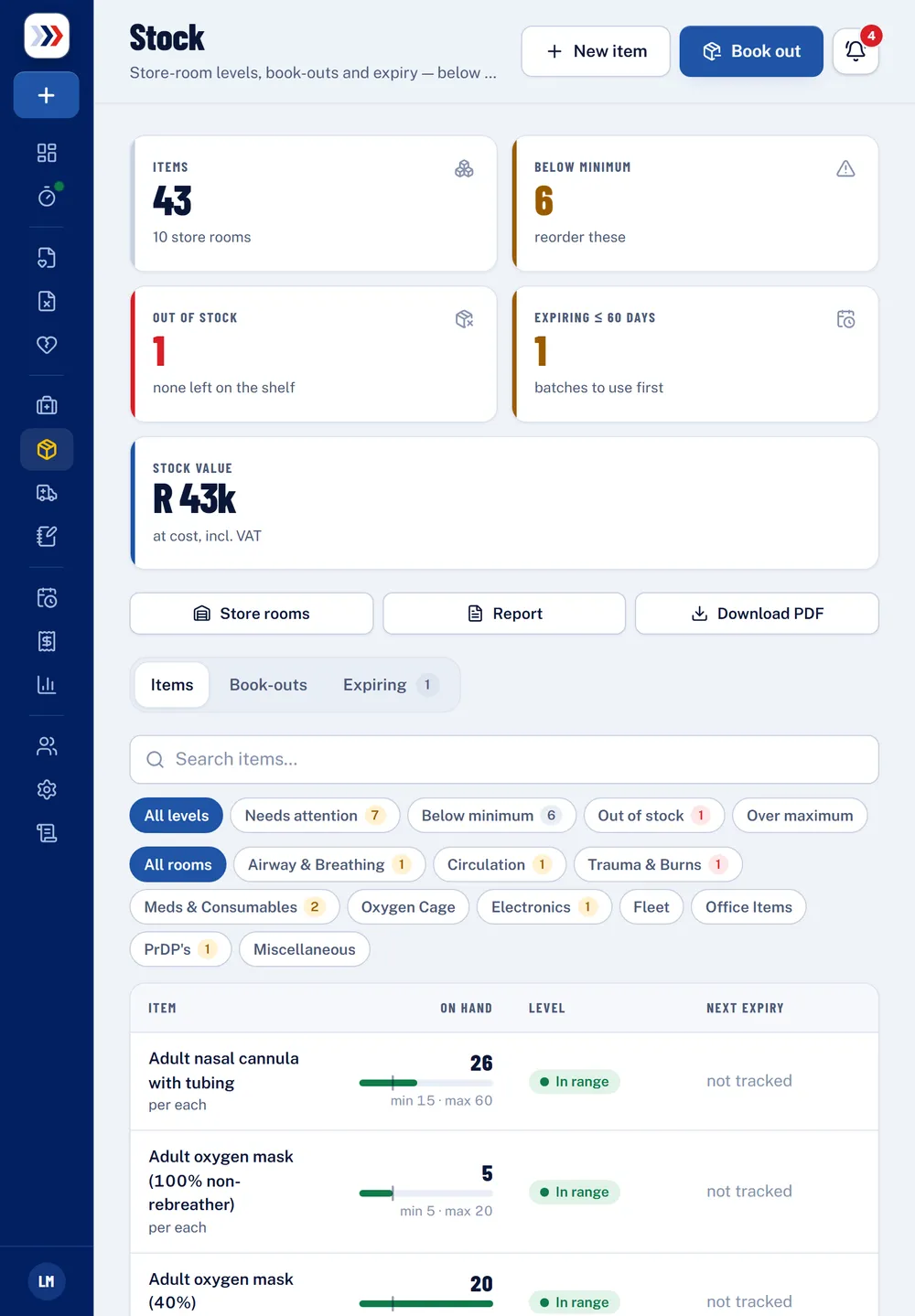
Stock and store rooms
Items per store room with minimum and maximum levels, batches and expiry, receiving and counts.
Book-outs to a vehicle
Crews book stock out to their vehicle — against a PRF if they like — and levels update at once.
Below-minimum alerts
Out of stock and below minimum are always on top, and the right people are alerted.
Shifts and attendance
Crews clock on and off, with lunch and extra time; each month’s timesheet is signed by the employee.
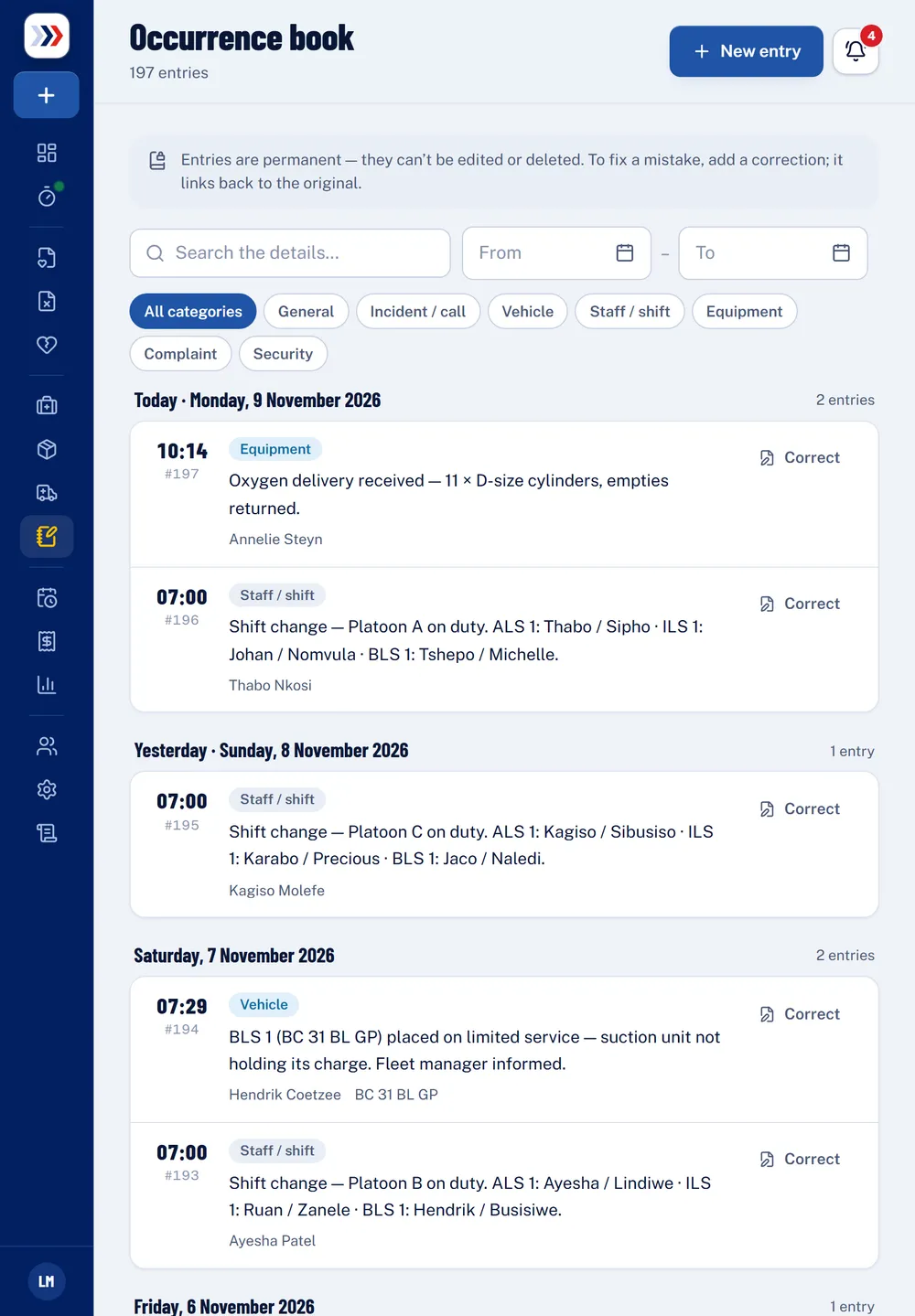
Digital occurrence book
The control-room log by day and category, linked to PRFs and vehicles. Entries are permanent — corrections link back to the original.
Insights
Calls by month and day, response times, priorities, outcomes, top diagnoses, facilities, payment mix and billed against collected.
Stock
Every store room at a glance
- Below minimum and out of stock are always at the top.
- Batches and expiry dates, so the oldest stock is used first.
- Crews book stock out to their vehicle; the report is a PDF away.
Questions
Good to know
Can crews add to the occurrence book?
Yes. Crews can add entries; who may read the whole book is up to you in Settings → Roles.
Can we download a stock report?
Yes. The stock report shows every store room’s levels and value, and can be viewed or downloaded as a PDF.
Who signs off the timesheets?
Each employee signs their own monthly timesheet, and managers see everyone’s month and correct entries where needed.
See it with your own calls
A 30-minute walkthrough using your call types, medical aids and tariffs. No obligation.